AI Extension for ONE WARE Studio

Everything vision AI needs, in one desktop app

Label. Train. Deploy. All inside ONE WARE Studio.

ONE WARE Studio
Vision.oneai

Dataset

Add images to your dataset or use the Import-Tool.

Import
Import labeled dataset...
Import from folder...
Import from video...
Create with spectrogram generator...
Record with camera tool
Training
Validation
Test

Everything your solution needs

  1. Create your dataset

    Generated for you, including the rare cases you never get on camera.

  2. Manage your AI models

    Train, compare and export the version that meets your requirements.

  3. Build it with ONE WARE Agents

    Describe what you need. The agent does the work, you stay in control.

  4. Custom operator interface

    Live image, result and decision. Nothing more.

  5. Software for AI integration

    For your camera, PC, PLC, robot or machine.

Download ONE WARE Studio

Production-ready, not a prototype

A general AI agent starts from zero for every application. ONE WARE starts with what already works in production.

General AI agent

  • Researches and builds everything from scratch
  • Stitches together generic AI models
  • Ends with a prototype you still have to harden
  • Days of trial and error for every application

ONE WARE

  • Builds on tested, production-ready building blocks
  • Creates a custom AI model with ONE AI for your task and hardware
  • Delivers the app and deployment code ready for use
  • Faster and with far less compute

Recognize what matters to you

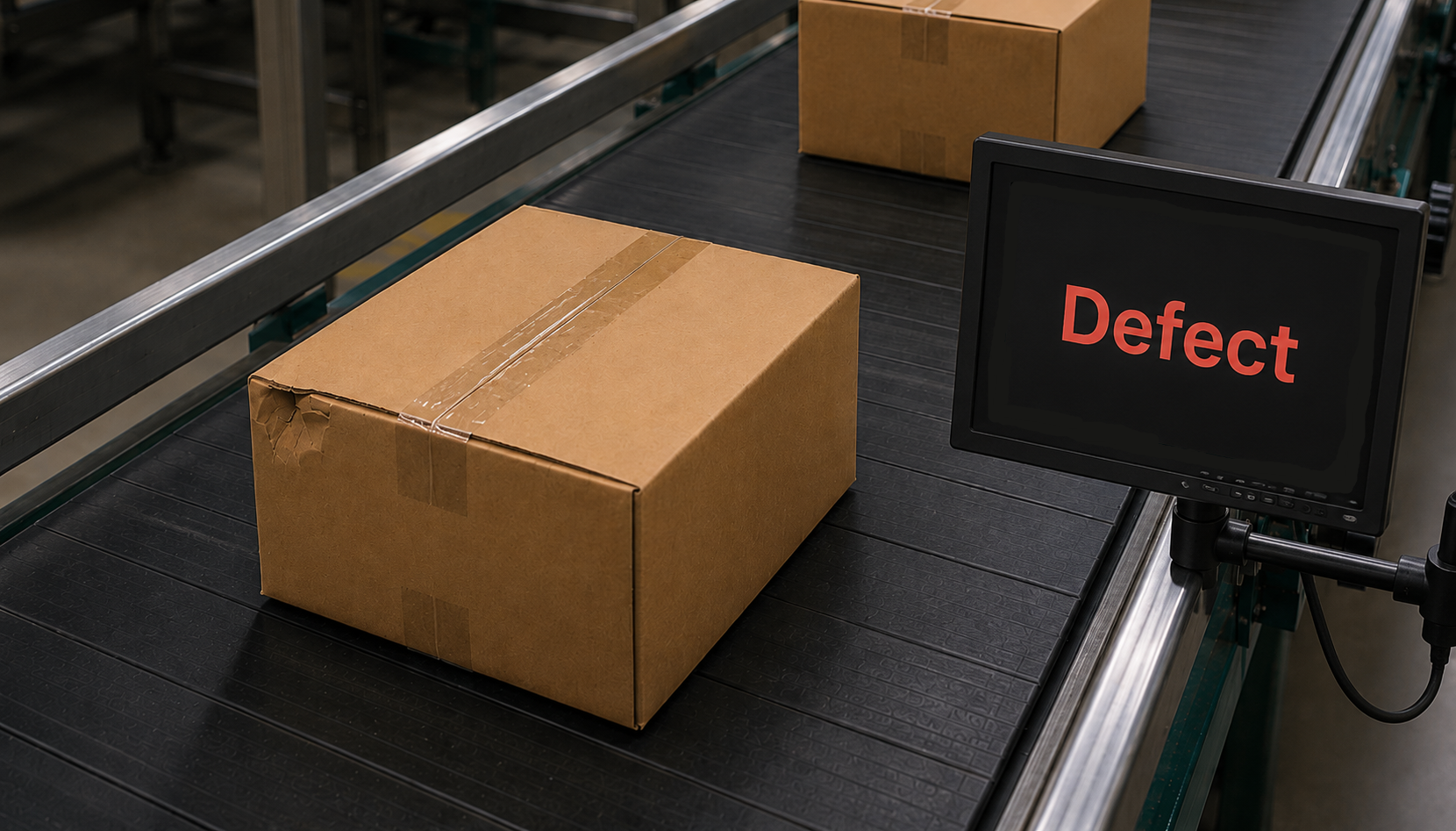
Classifying packages in ONE WARE Studio

Classification

One answer per image: good or bad, type A or B.
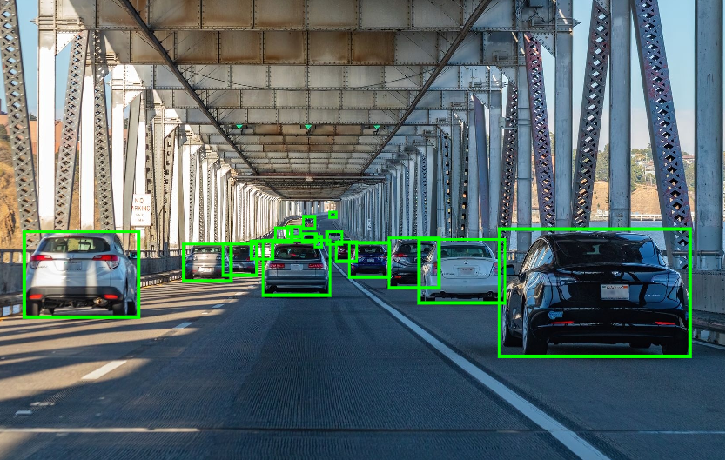
Detecting cars with bounding boxes in ONE WARE Studio

Object Detection

Find and count every object, even tiny ones.
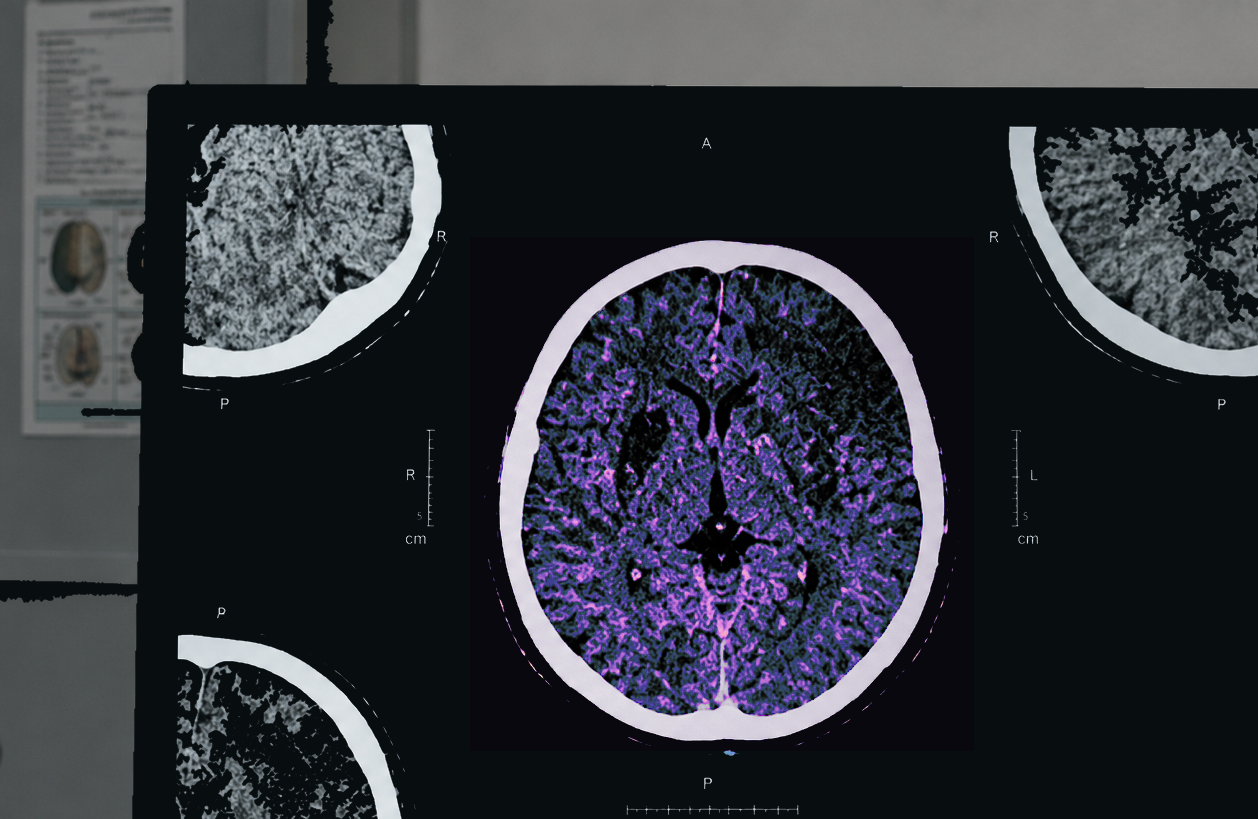
Pixel-precise segmentation in ONE WARE Studio

Segmentation

Pixel-precise outlines where every boundary matters.

Test it live on your camera

  • Your cameras

    Connect one or several cameras of your machine.

  • Capture

    Record new images, pre-labeled by your model.

  • Live preview

    See the result on the live image.

Explore the camera tool

See it work on your application

We show you a working PoC in one day.