Register
OneWare Cloud is the central platform for managing your ONE AI projects, credits, and account. It connects seamlessly with ONE WARE Studio to provide cloud-based AI training, testing, and deployment.
Creating an Account
1. Navigate to the Cloud
Go to cloud.one-ware.com. You will be redirected to the login page.
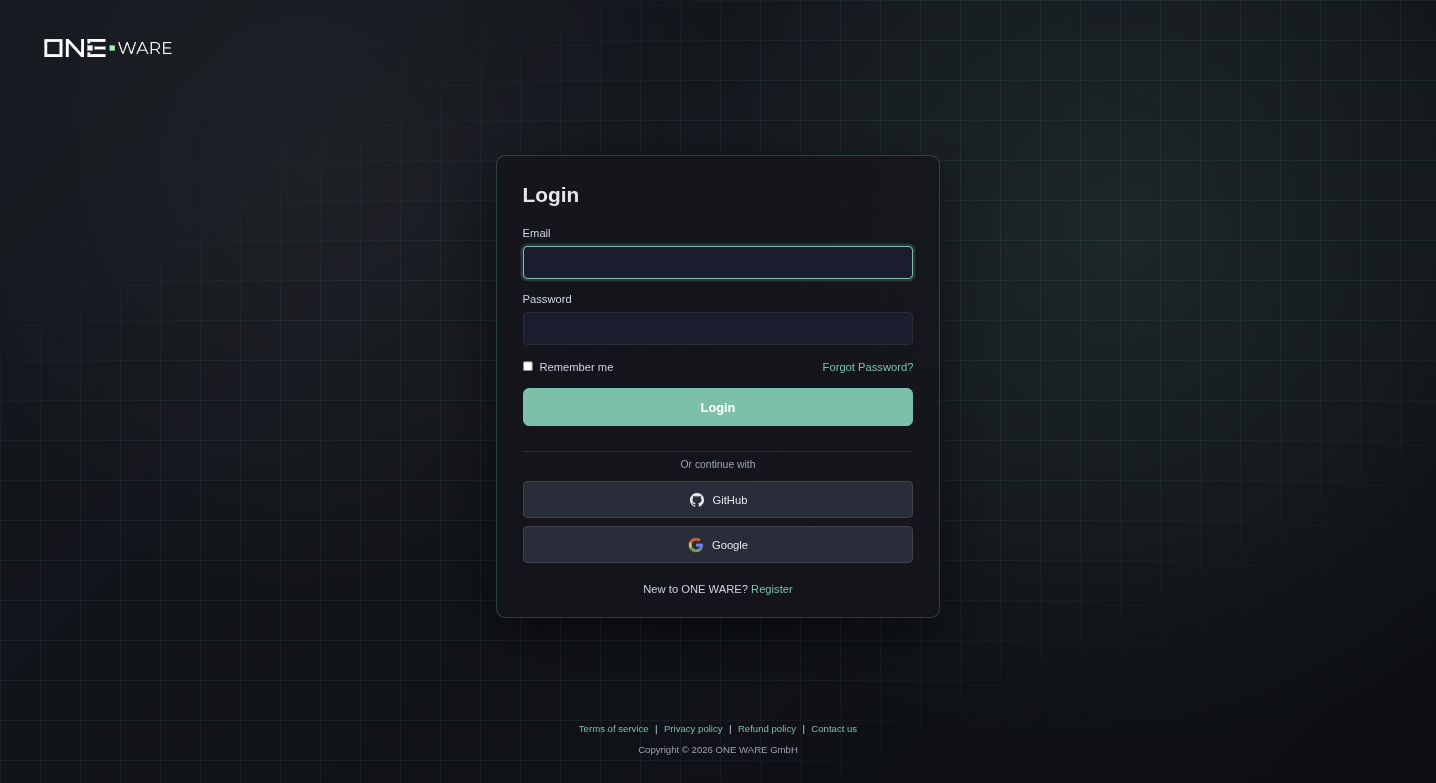
2. Register a New Account
Click Register at the bottom of the login page. You can register with:
- Email and password — fill in your email, choose a password, and confirm it
- GitHub — sign in with your existing GitHub account
- Google — sign in with your existing Google account
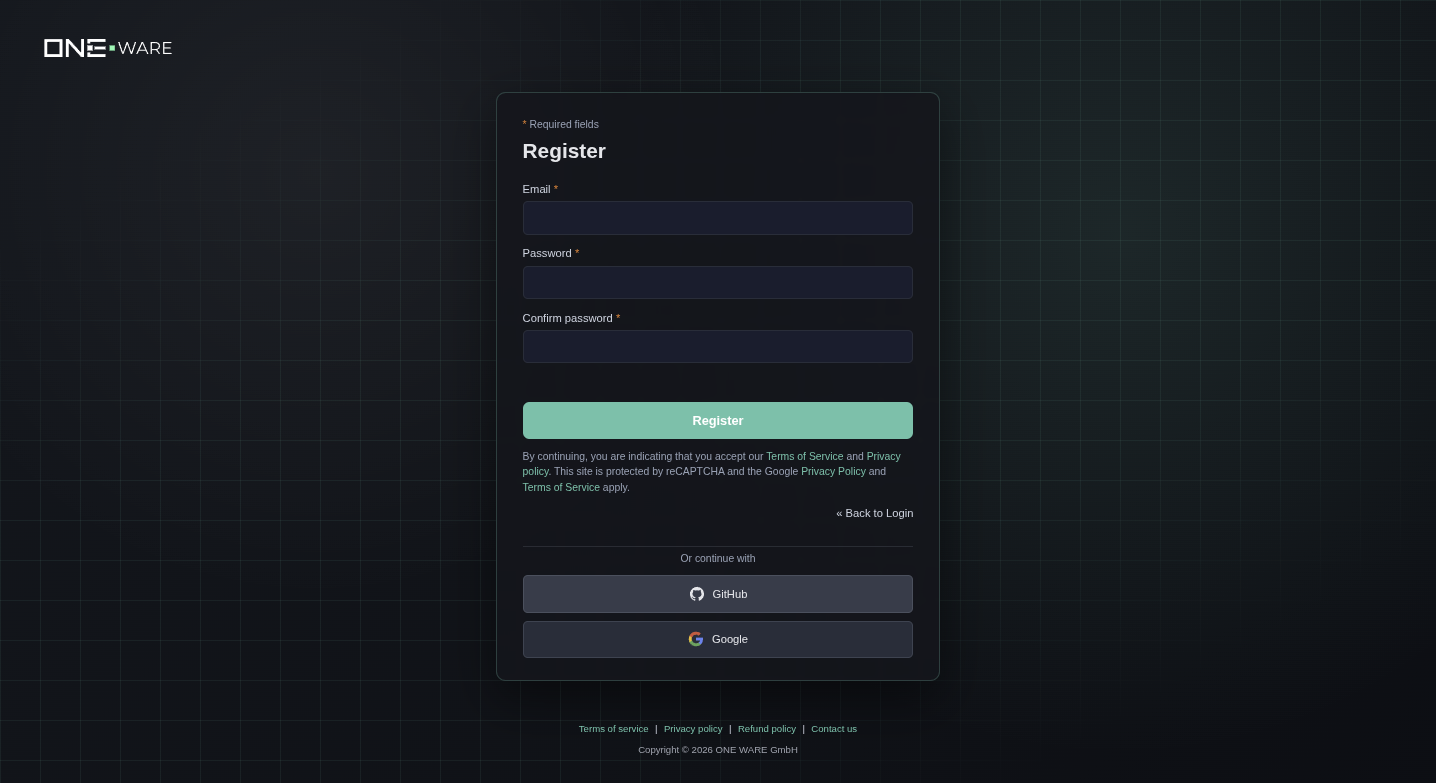
Fill in your details and click Register.
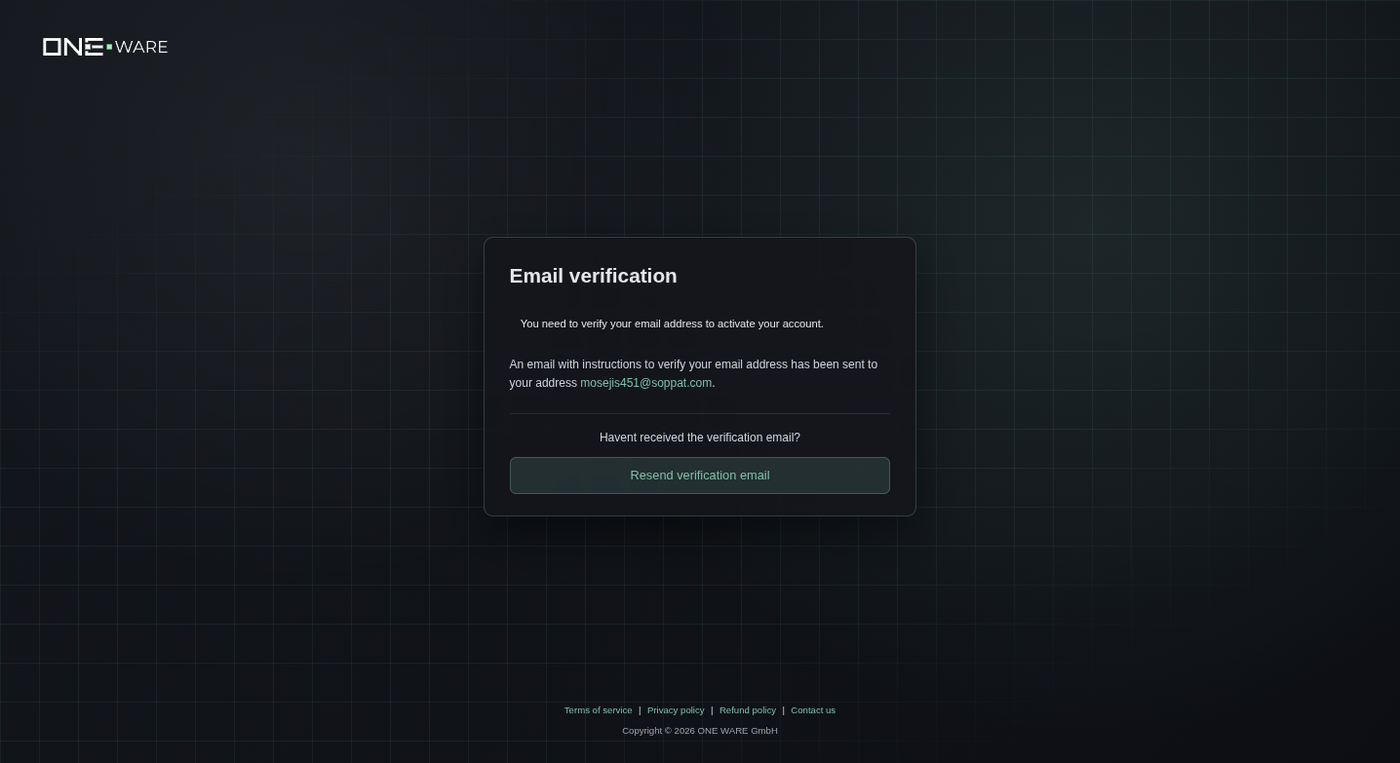
3. Verify Your Email
After registration, you will receive a verification email. Click the link in the email to activate your account.
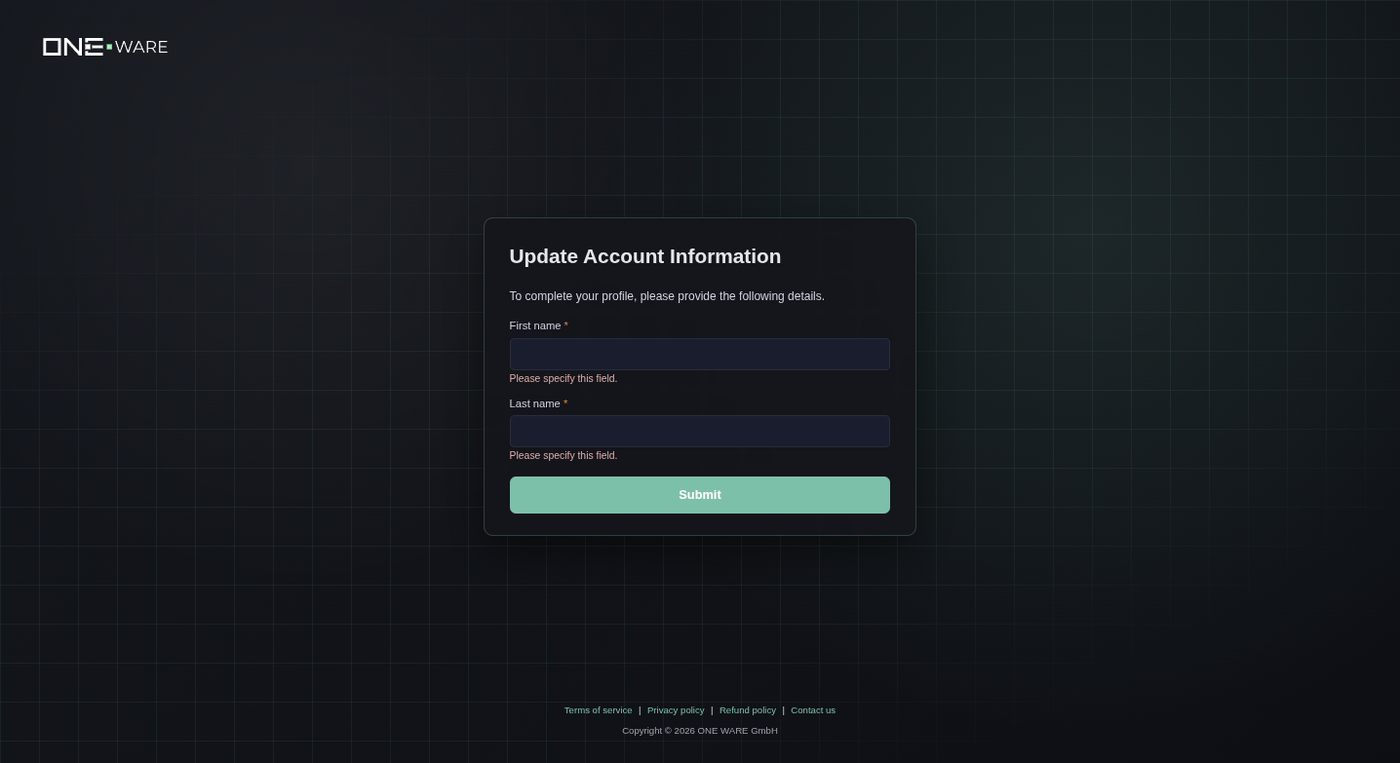
4. Complete Your Profile
After verification, you will be asked to provide your first and last name.
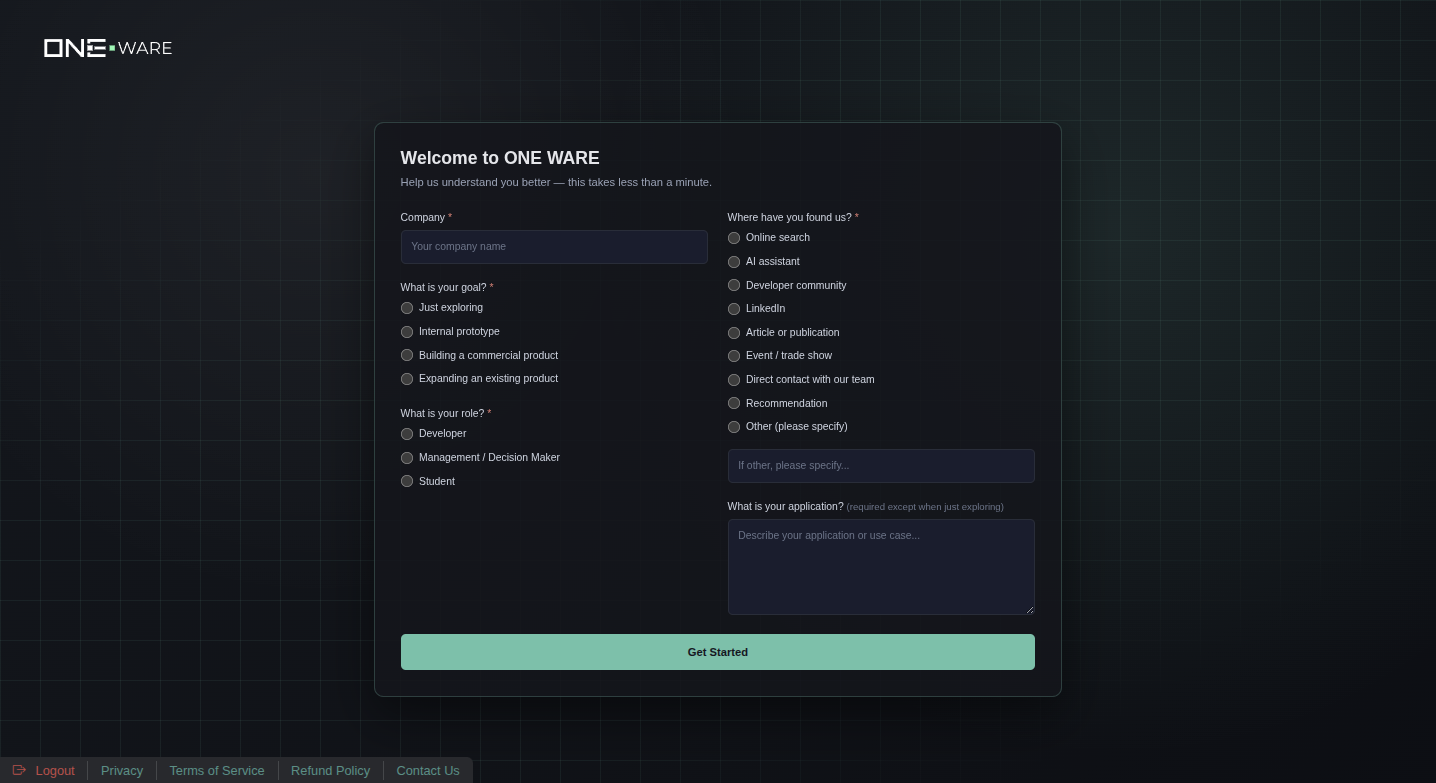
5. Onboarding Survey
A short survey helps us understand your needs. Fill in your company name, select your goal, role, and how you found us.
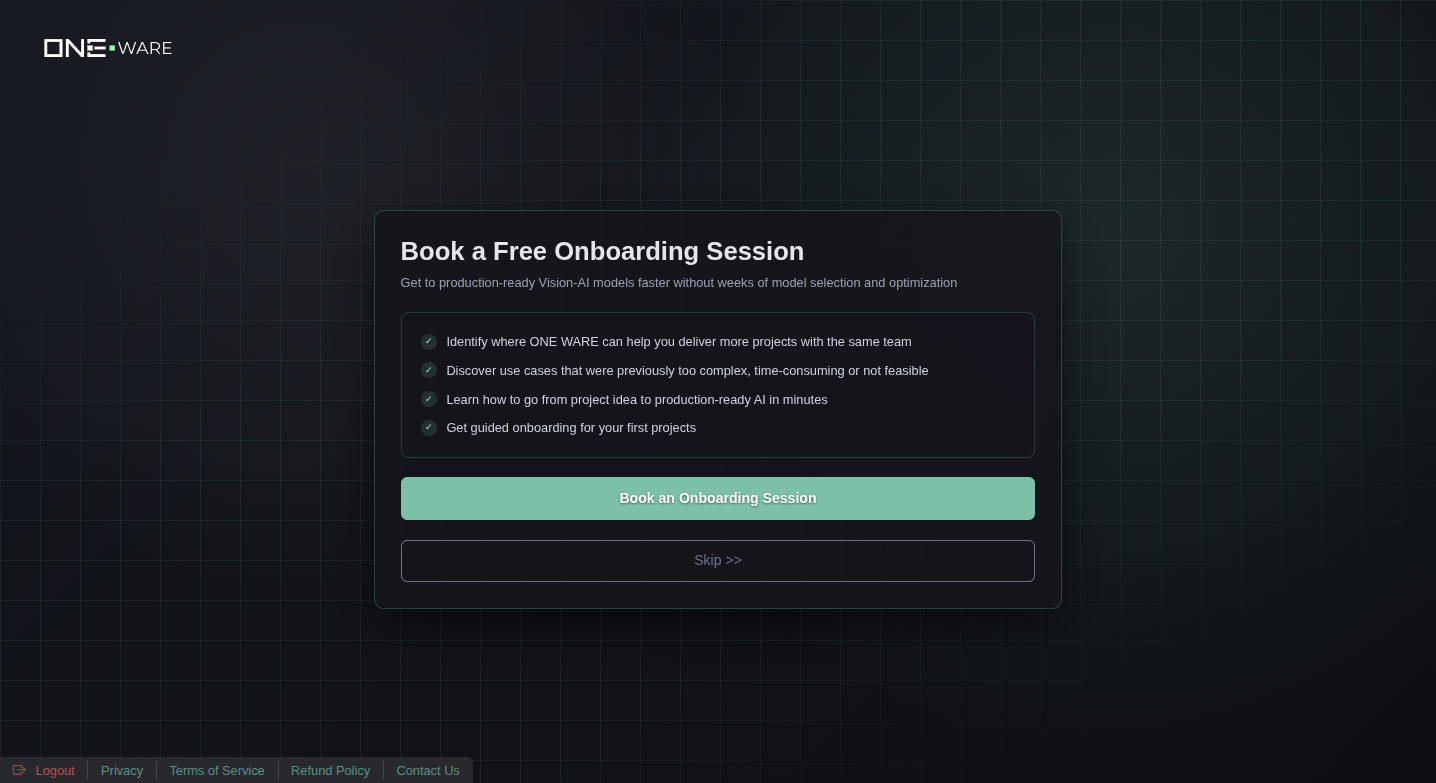
6. Book an Onboarding Session (Optional)
You can book a free onboarding session with the ONE WARE team, or click Skip to proceed directly to the dashboard.
Next Steps
Once your account is set up:
- Download ONE WARE Studio and install it
- Open Quick Start project to explore ONE AI capabilities
- Create your own project and start training models