Tutorial Overview
Getting Started & Setup
We have several tutorials on our website that show you how to use ONE AI to complete a single project. Here is a short overview.
Teacup Print Detection
This demo walks you through building a simple object detection model for recognizing a printed logo on a teacup using only a small and highly varied dataset. You learn how to prepare and annotate the images, apply effective prefilters and augmentations, and configure the model for robust detection. The guide also explains how to train, test, and export the final model for further use.
Quality control for potato chips
This demo is a good introduction to ONE AI. It shows you how you can use ONE AI for quality control by guiding you through the process of creating an AI model that classifies potato chips as good and defective. This tutorial focuses on the basic functions of ONE AI and explains them in more detail than the later tutorials.
Reference-Based Object Detection for Birds and Drones
This demo shows how you can use ONE AI to create an AI model that detects and classifies small objects by comparing test images to reference templates. The tutorial explains all relevant settings for configuring the model and demonstrates how multi-image comparison (overlap difference) enables robust detection even in complex backgrounds.


Handwritten digit classification
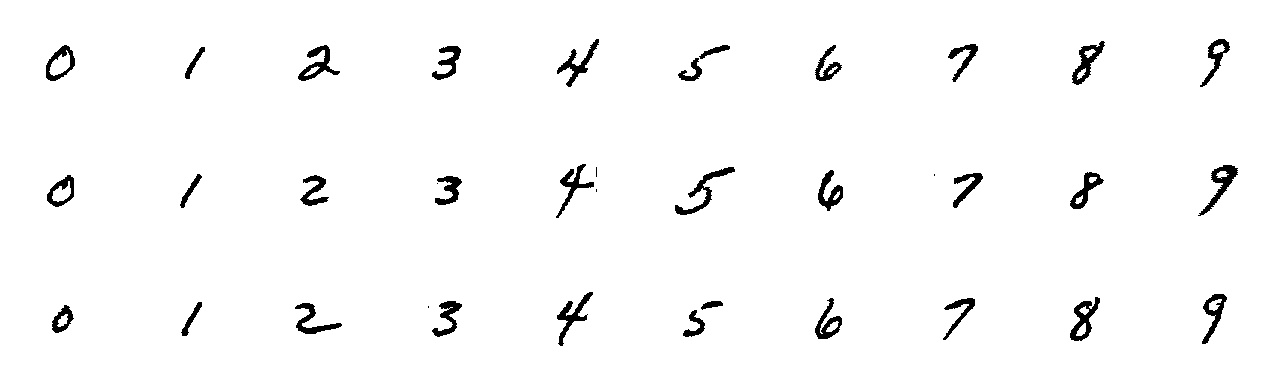
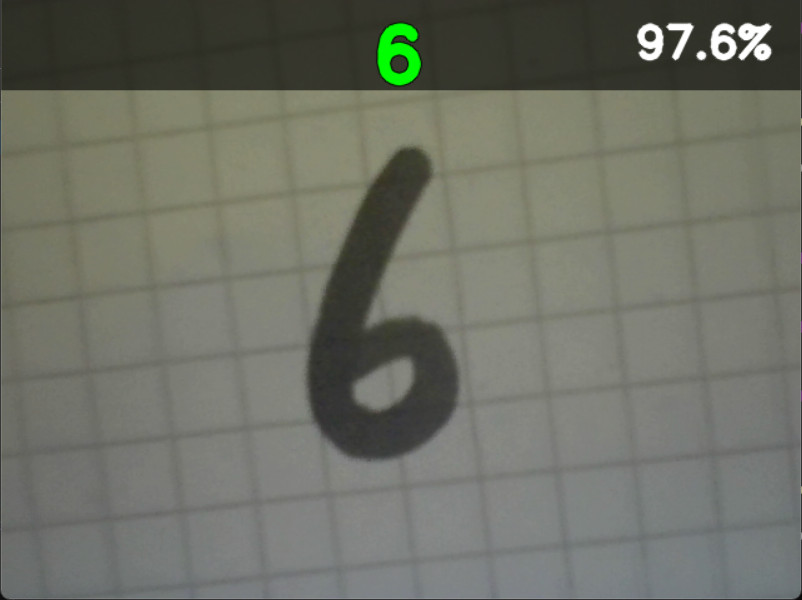
This demo shows how you can use ONE AI to create an AI model that classifies handwritten digits. It explains all the settings that are important to configuring the model and even shows you how you can test the trained model with your webcam. The tutorial also has a section that explains how using a varied dataset can improve the performance of your model.
VHDL Project Demo
This demo showcases how to run a OneAI model on an FPGA for a demo use case. The use case will be the classification of handwritten digits. It demonstrates how to test AI on any FPGA, regardless of manufacturer and type, by sending images via UART and receiving results back. You can identify your own handwritten digits using an FPGA board of your choosing and the webcam of your computer.
Quality control for building defects
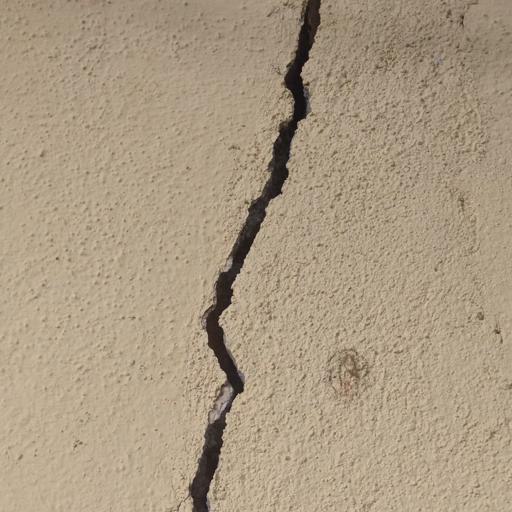
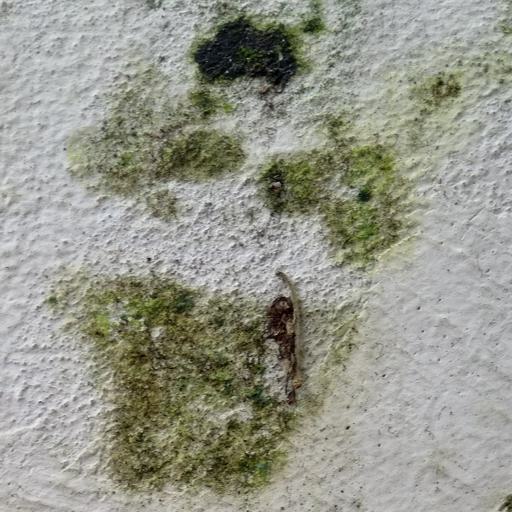
This demo outlines the complete porcess of developing a classification model for building defects, using ONE AI. You will learn how to handle such a large dataset and use prefilters and augmentations to get results, which can compete with state-of-the-art computer vision approaches.