Overview
Expertenhilfe gewünscht?
Kostenlose Onboarding-Session buchen
Erhalten Sie geführte Unterstützung für Ihr erstes Vision-AI-Projekt und kommen Sie schneller zu einem produktionsreifen Setup.
Getting Started & Setup
We have several tutorials on our website that show you how to use ONE AI to complete a single project. Here is a short overview.
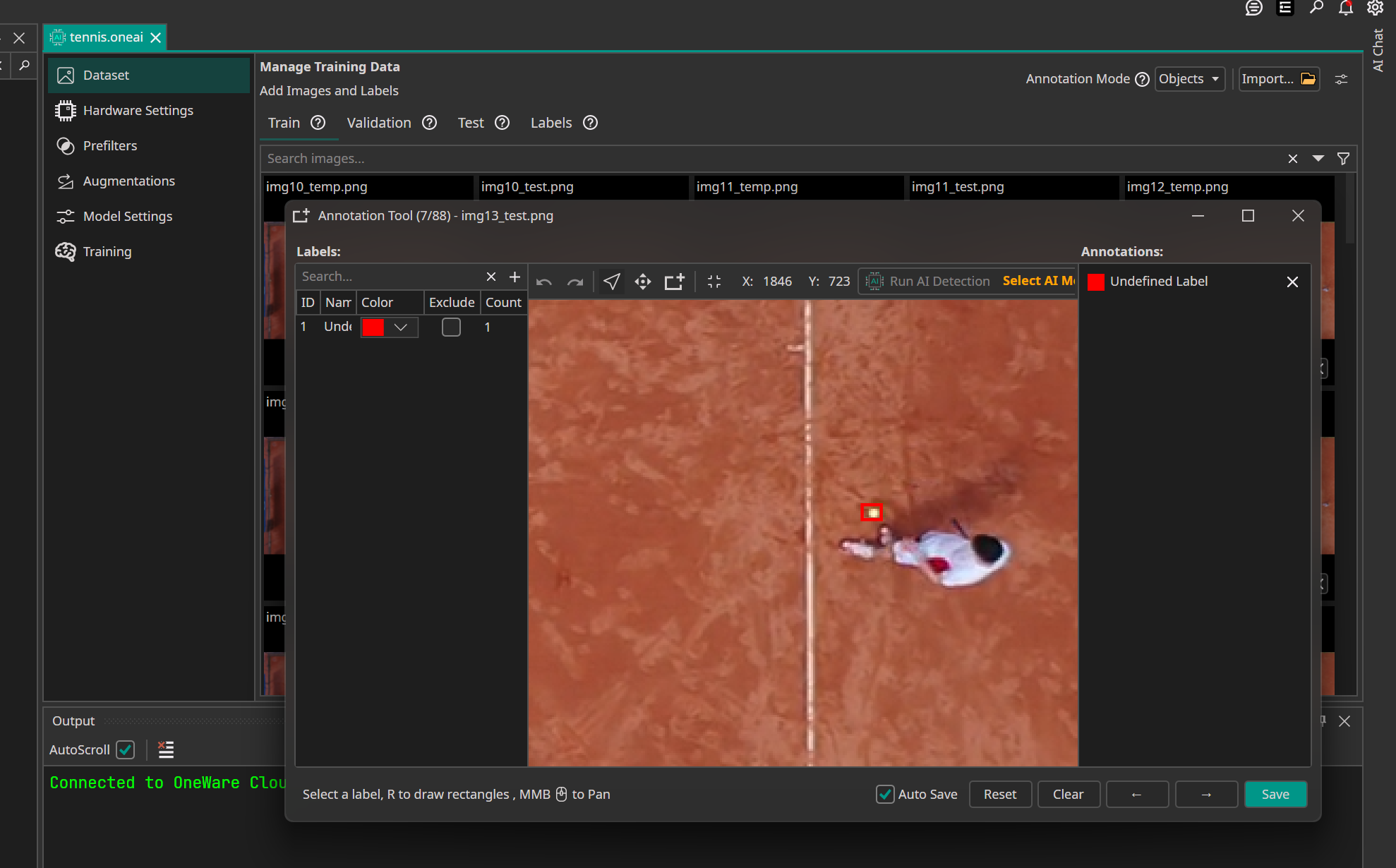
Tennis Ball Tracking
This demo shows how to track a very small and fast-moving tennis ball in Full HD video. It compares a lightweight YOLO baseline with a task-specific CNN generated by ONE AI and demonstrates why custom architectures can provide significantly better CPU performance for this use case.
Scratch Detection
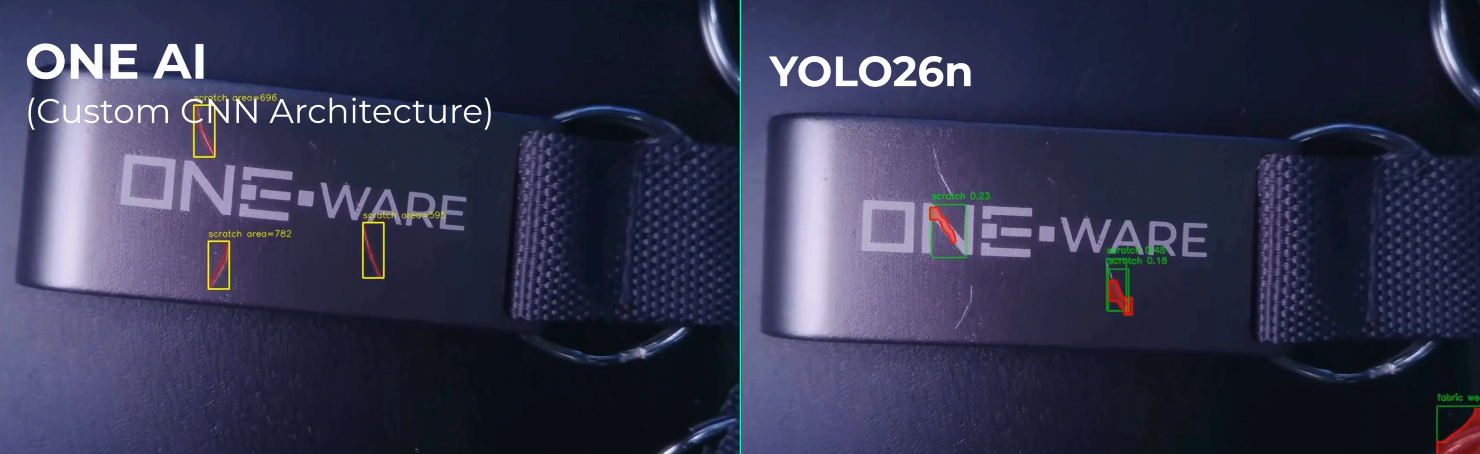
This demo demonstrates an industrial inspection scenario where scratches on metal bottle opener keychains are detected automatically.
It compares a lightweight YOLO26n baseline with a task-specific segmentation model generated by ONE AI and shows why specialized architectures can produce more stable and reliable results for defect detection on reflective metal surfaces.
Lemon Detection
This demo shows how to detect ripe and unripe lemons in a controlled production setup using a dataset generated from a single short smartphone video. It highlights how ONE AI can accelerate annotation by using an early model to pre-label the remaining frames and then compares the final custom detector against a YOLO baseline.
Person Tracking (Raspberry Pi)
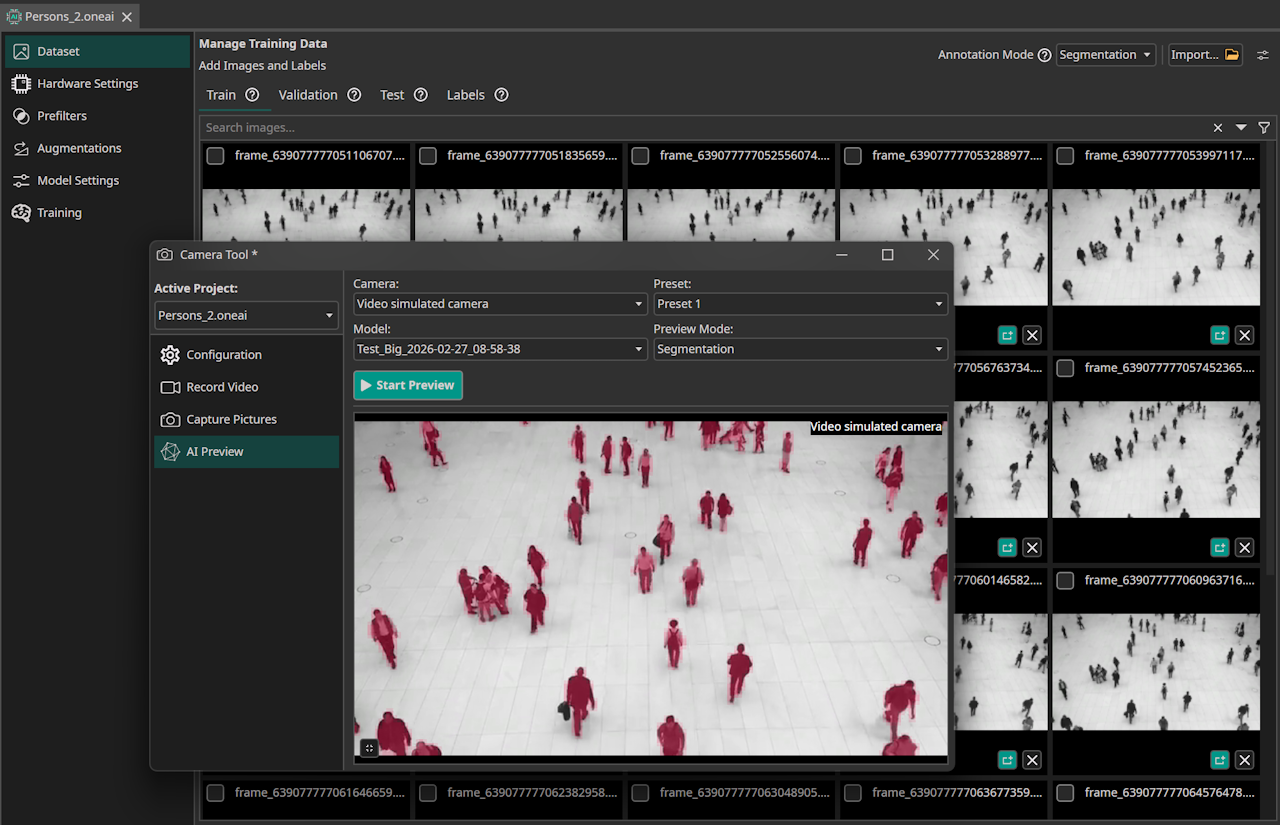
This demo compares UNet, DeepLabv3+, and a ONE AI custom CNN for person segmentation in a controlled environment. It focuses on achieving real-time CPU inference while keeping segmentation quality practical.
Raspberry Pi Warning Sign (> 2000 FPS Inference)
This demo shows a practical edge AI warning sign that reacts when a person approaches a studio door. It demonstrates how a task-specific ONE AI model can reach extreme FPS on Raspberry Pi for near-instant decisions.
Teacup Print Detection
This demo walks you through building a simple object detection model for recognizing a printed logo on a teacup using only a small and highly varied dataset. You learn how to prepare and annotate the images, apply effective prefilters and augmentations, and configure the model for robust detection. The guide also explains how to train, test, and export the final model for further use.
Reference-Based Object Detection for Birds and Drones
This demo shows how you can use ONE AI to create an AI model that detects and classifies small objects by comparing test images to reference templates. The tutorial explains all relevant settings for configuring the model and demonstrates how multi-image comparison (overlap difference) enables robust detection even in complex backgrounds.


Quality control for potato chips
This demo is a good introduction to ONE AI. It shows you how you can use ONE AI for quality control by guiding you through the process of creating an AI model that classifies potato chips as good and defective. This tutorial focuses on the basic functions of ONE AI and explains them in more detail than the later tutorials.
Handwritten digit classification
This demo shows how you can use ONE AI to create an AI model that classifies handwritten digits. It explains all the settings that are important to configuring the model and even shows you how you can test the trained model with your webcam. The tutorial also has a section that explains how using a varied dataset can improve the performance of your model.

Quality control for building defects
This demo outlines the complete porcess of developing a classification model for building defects, using ONE AI. You will learn how to handle such a large dataset and use prefilters and augmentations to get results, which can compete with state-of-the-art computer vision approaches.
Wildfire Segmentation
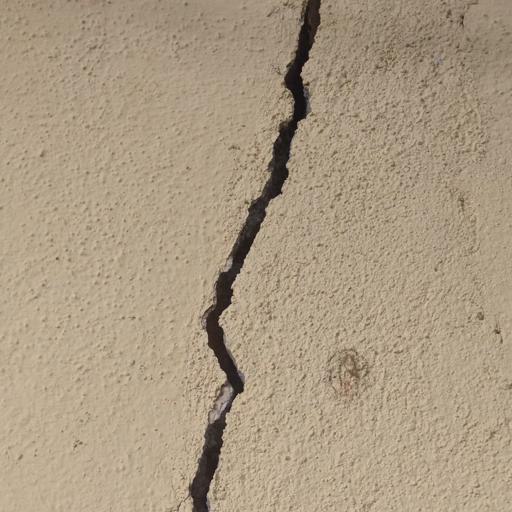
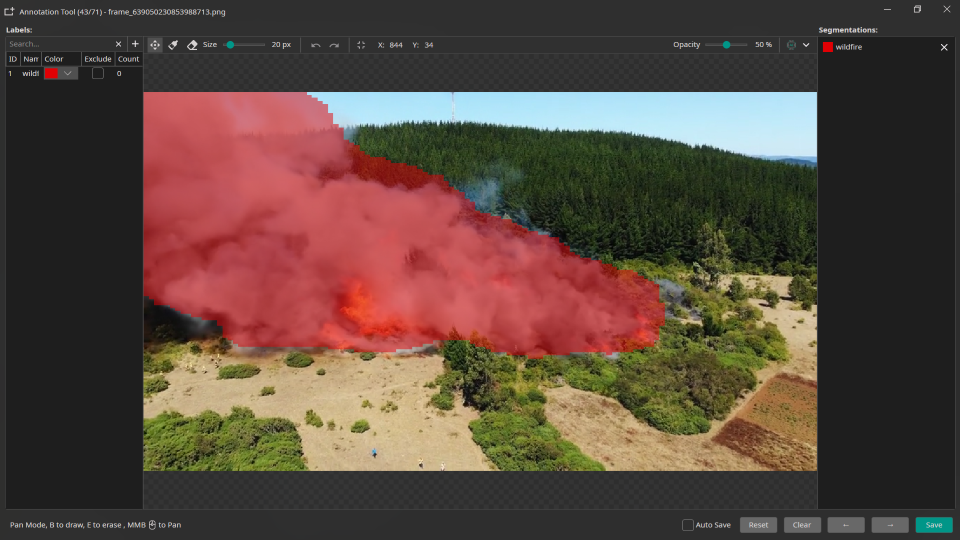
This demo walks through a full semantic segmentation workflow for wildfire areas in drone imagery. It covers segmentation annotations, data preparation, training, export, and mask overlay testing.
Tumor Segmentation
This demo introduces semantic segmentation for medical imaging by highlighting tumor regions in MRI scans. It shows how a functional segmentation workflow can be trained with only 50 images, using the Medical template and a compact, practical labeling and testing process in ONE AI.